



intro
ipynb5 kBPython · 16 cellsSolution of TP 1: Introduction to OpenCV
OpenCV
Intro
OpenCV is considered as the well-known library for computer vision. This library can be used by several programming languages including the python. In this introduction, we will try to take a look at some of the functions in this library and then try to implement some others by ourselves. This tutorial will include how to:
- Read an image
- Extract the RGB values of a pixel
- Resize the Image
- Draw a Rectangle
- Display text
- Open and play a video
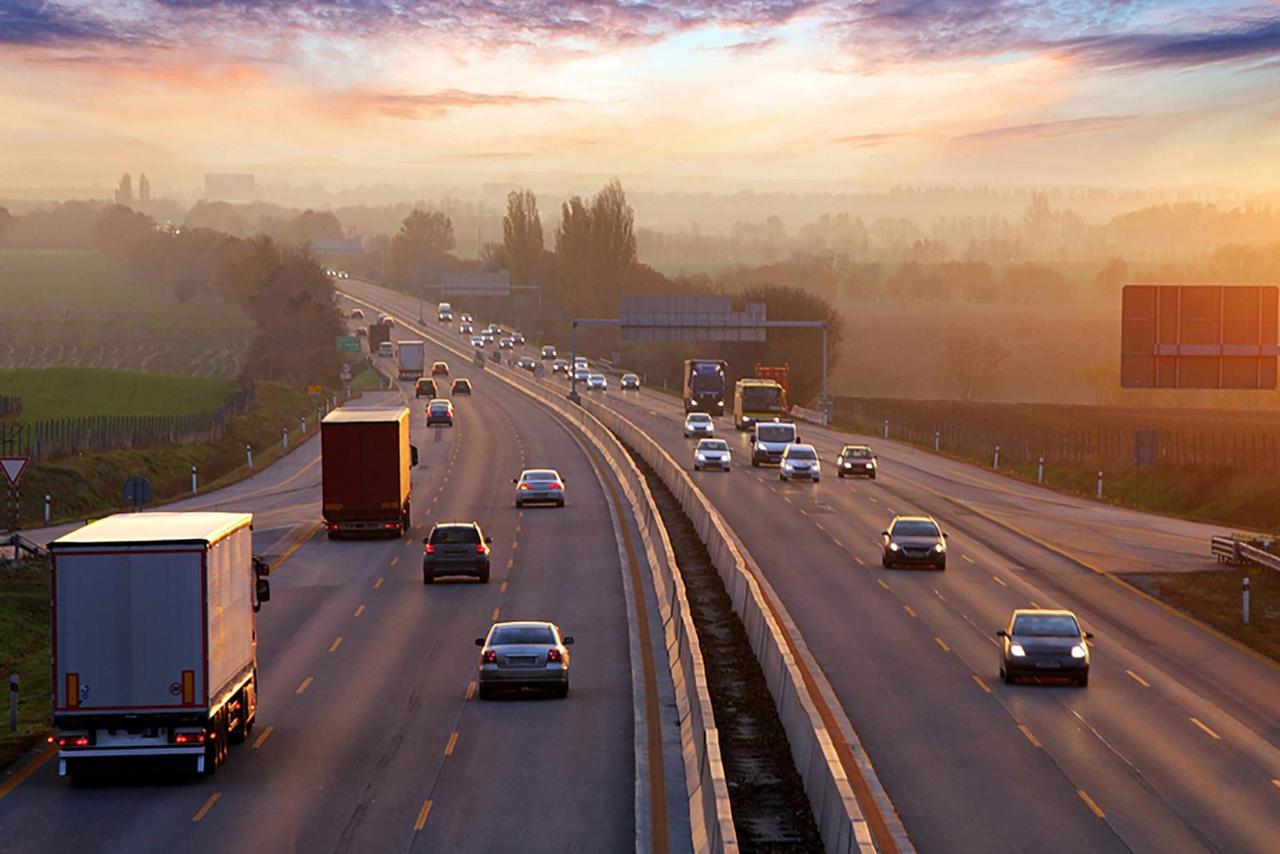
This is the original image that we will manipulate throughout this tutorial. You can use your image.
import cv2Reading an Image
# Reading the image using imread() function
image = cv2.imread("tp1-image.jpg")

# Extracting the heigh and width of an image
h, w = image.shape[:2]

# Displaying the height and width
print(f"Height: {h}, Width: {w}")
Extracting the RGB values of a pixel
In OpenCV, the order of color channel is BGR and not RGB.
# Get color of pixel at (100, 100)
(B, G, R) = image[100, 100]
print(f"R: {R}, G: {G}, B: {B}")
Extracting a sub-region of the image
# Extract and display ROI
roi = image[100:500, 200:700]
cv2.imshow("ROI", roi)
cv2.waitKey(0)
cv2.destroyAllWindows()
Resizing the image
# Resize image to 300x300
resize = cv2.resize(image, (300, 300))
cv2.imshow("Resize", resize)
cv2.waitKey(0)
cv2.destroyAllWindows()
Drawing a Rectangle
# Draw rectangle on image
output = image.copy()
rectangle = cv2.rectangle(output, (1500, 900), (600, 400), (255, 0, 0), 2)
cv2.imshow("Rectangle", rectangle)
cv2.waitKey(0)
cv2.destroyAllWindows()
Displaying text
text = cv2.putText(
    output, "IN433", (400, 400), cv2.FONT_HERSHEY_SIMPLEX, 3, (0, 255, 0), 5
)
cv2.imshow("Text", text)
cv2.waitKey(0)
cv2.destroyAllWindows()
Play a video
def play_videoFile(filePath, mirror=False):
    cap = cv2.VideoCapture(filePath)
    cv2.namedWindow("Video Life2Coding", cv2.WINDOW_NORMAL)
    while True:
        ret_val, frame = cap.read()
        if mirror:
            frame = cv2.flip(frame, 1)
        cv2.imshow("Video Life2Coding", frame)
        if cv2.waitKey(1) == 27:
            break  # esc to quit

    cap.release()
    cv2.destroyAllWindows()


play_videoFile("tp1-video.mp4", mirror=True)